 Offizielle Seat Radio-Decodierung
Seat Radiocode Online Generator
Benötigen Sie den Code für Ihr Seat Radio? Holen Sie ihn sich jetzt online mit der Radio-Seriennummer.

Seat Radio Freischalten
Sofortige automatische Decodierung per Seriennummer

So erhalten Sie Ihren Seat Radiocode
Berechnen Sie Ihren Seat Radiocode anhand der Seriennummer auf dem Gehäuseaufkleber und entsperren Sie Ihr Gerät sofort.
Garantierte Zuverlässigkeit & Support
Erleben Sie den schnellsten und zuverlässigsten Radio-Freischaltservice in Europa.

Rapid Seat code generation
For most Seat radios, codes are generated instantly. In cases requiring manual work, we ensure a fast turnaround time to avoid delays.

Reliable code for your Seat guaranteed
Be assured of a 100% working code for your Seat. If you face any issues, our dedicated support team will resolve them swiftly.

Secure and reliable unlocking for Seat
Trust our unlocking service for your Seat radio. If there’s any issue with the code, we’ll refund your money immediately without delay.
So funktioniert es
Reaktivieren Sie Ihr Autoradio in drei einfachen, automatisierten Schritten.
Radio-Seriennummer Finden
Finden Sie die 14-stellige Seriennummer auf dem Display (Tasten 1 & 6 gedrückt halten) oder auf dem Barcode-Aufkleber am Gehäuse.
Sofortige Berechnung
Geben Sie Ihre Seriennummer in unseren Decoder ein. Unser automatisiertes System berechnet den originalen Werks-PIN.
Code Eingeben & Musik Genießen
Ihr 4-stelliger PIN wird sofort auf dem Bildschirm angezeigt und per E-Mail gesendet. Geben Sie ihn über die Stationstasten 1–4 ein.
So finden Sie Ihre Seat Radio-Seriennummer
Ihre Seriennummer wird benötigt, um den originalen Freischaltcode zu generieren. Folgen Sie unserer bebilderten Anleitung.
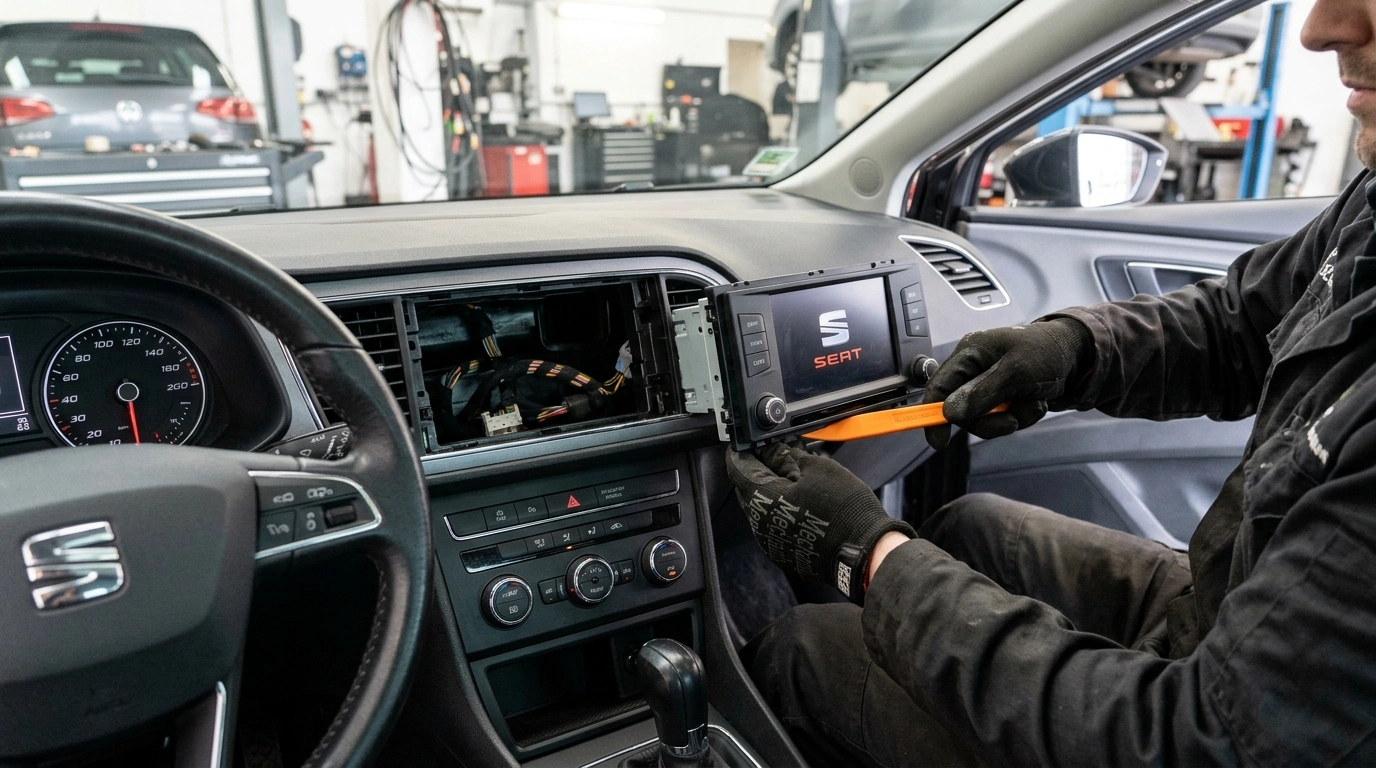
Remove your radio
Using a plastic pry tool or flat release keys, carefully unclip the radio surround trim bezel. Unscrew the mounting Torx screws or depress the spring clips to slide the stereo forward until the manufacturer label on the top or rear casing is clearly visible.

Find your serial number on the label
Your serial number is on a sticker or stamped on the side or rear of the casing. All SEAT serials start with SEZ and are 14 characters long.
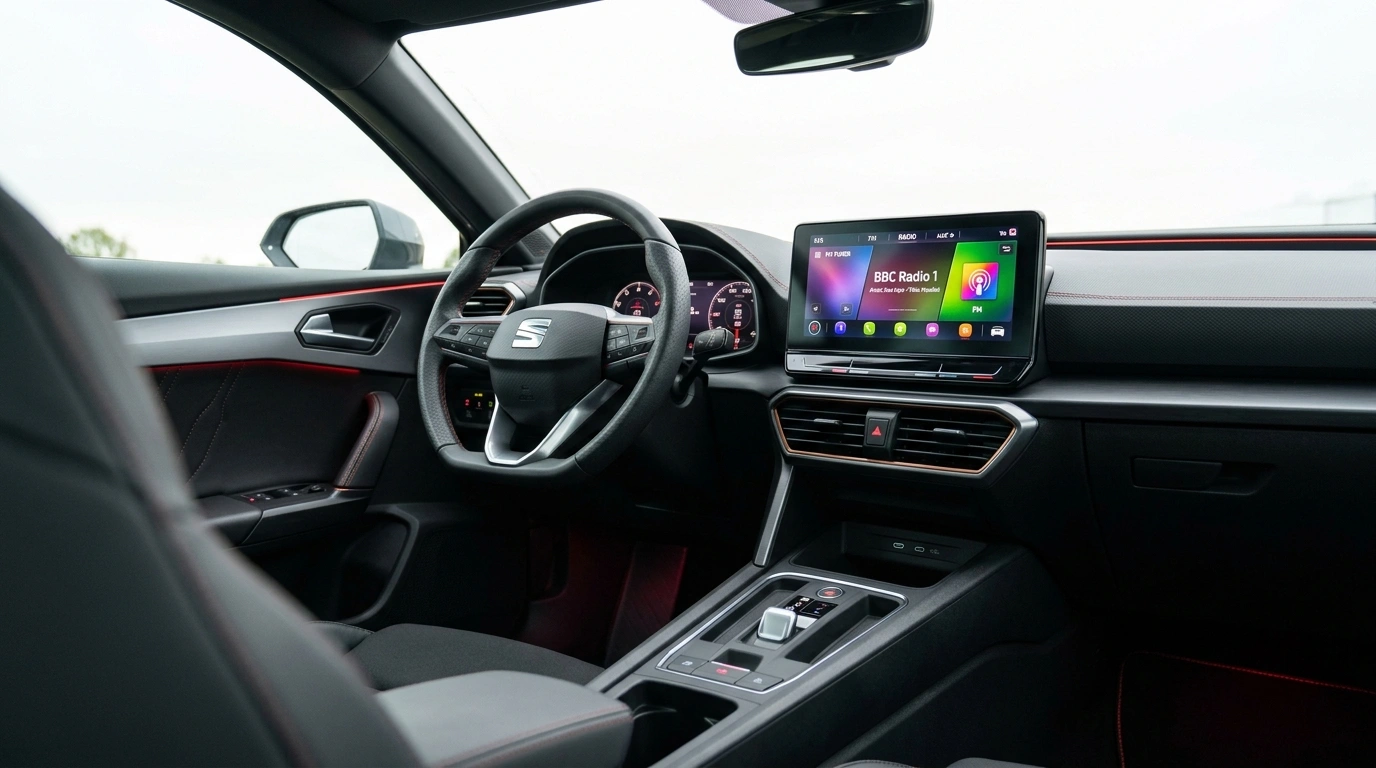
Common SEAT radios
Pictured: SEAT Alana. Other popular models include Aura, Media System, Ibiza Touch, and Sound System. The SEZ serial code is printed on the factory barcode label.
How to Enter Your SEAT Radio Code
Once you receive your 4-digit factory unlock code by email, follow these easy steps to enter it into your SEAT stereo:
SEAT radio codes by model
Go straight to the guide for your model.
Was Unsere Kunden Sagen
Lesen Sie authentische Erfahrungsberichte von Autobesitzern, die ihr Radio bei uns freigeschaltet haben.
“SKZ-Nummer meines Škoda Octavia Bolero eingegeben, Code nach 3 Minuten erhalten. Radio hat die PIN sofort akzeptiert. Sicher, schnell und absolut reibungslos!”
“Batterie meines Škoda Superb war leer und das Swing-Radio war im SAFE-Modus gesperrt. Der Händler verlangte 65 £ und 3 Tage Wartezeit. Hier Seriennummer eingegeben und in 3 Minuten den Code erhalten. Wirklich genialer Service!”
“Funktionierte auf Anhieb bei meinem Škoda Fabia Dance Radio. Einfache Anleitung, blitzschnelle E-Mail-Lieferung und enorme Händlergebühren gespart. 10/10 Empfehlung!”