


 Hivatalos Volkswagen rádiófeloldás
VW Composition Media rádiókód online generátor
Szüksége van a kódra a(z) VW Composition Media rádiójához? Kérje le online a sorozatszám megadásával.
VW Composition Media rádió feloldása
Azonnali automatikus kódfejtés sorozatszám alapján
How to Find Your VW Composition Media Radio Serial & Enter Code
Follow our 3-step illustrated instructions to locate your serial number on the casing and enter your genuine factory unlock PIN.
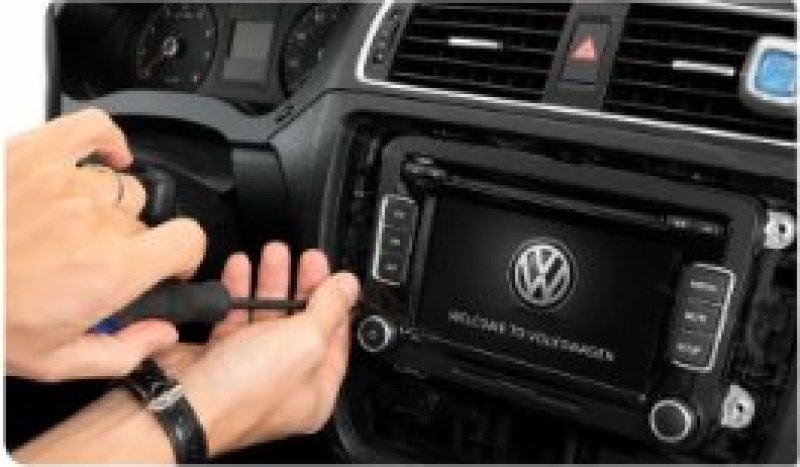
Remove your Volkswagen radio
Remove the surrounding trim panels and slide the unit out of the dashboard. Depending on your model use a trim tool or radio release keys. The unit will slide forward enough to read the label.

Find serial number on the label
Your serial number is on a sticker on the side or rear of the casing. All VW serials start with VWZ and are 14 characters long (for example: VWZ1Z2H1234567 or VWZ6Z7N7302070).
Entering your Volkswagen radio code
Ensure display reads CODE or 1000. Repeatedly press preset buttons 1 to 4 to enter each digit, then hold >> or press OK to submit your code and unlock.
100% Genuine Code
Original factory PIN guaranteed to unlock your radio
Instant (2-5 mins)
Delivery: Instant (2-5 mins)
Money Back Guarantee
Full refund if your code fails to unlock the unit
Lifetime Storage
Free re-send if you ever lose your code again
VW Composition Media Frequently Asked Questions
Mit mondanak vásárlóink
Olvassa el autótulajdonosok hiteles véleményeit, akik nálunk oldották fel rádiójukat.
“Megadtam a Škoda Octavia Bolero fejegységem SKZ sorozatszámát, 3 perc alatt megkaptam a PIN-t. Azonnal elfogadta. Gyors és hibátlan szolgáltatás!”
“Lemerült az akksi a Škoda Superb-ben, a Swing rádió meg SAFE-ben ragadt. A szerviz 65 fontot és 3 napot mondott. Itt beírtam a számot és 3 perc múlva szólt a zene. Hibátlan!”
“Elsőre ment a Škoda Fabia Dance rádiómon. Érthető útmutató, azonnali e-mail és komoly megtakarítás a szervizhez képest. 10/10!”