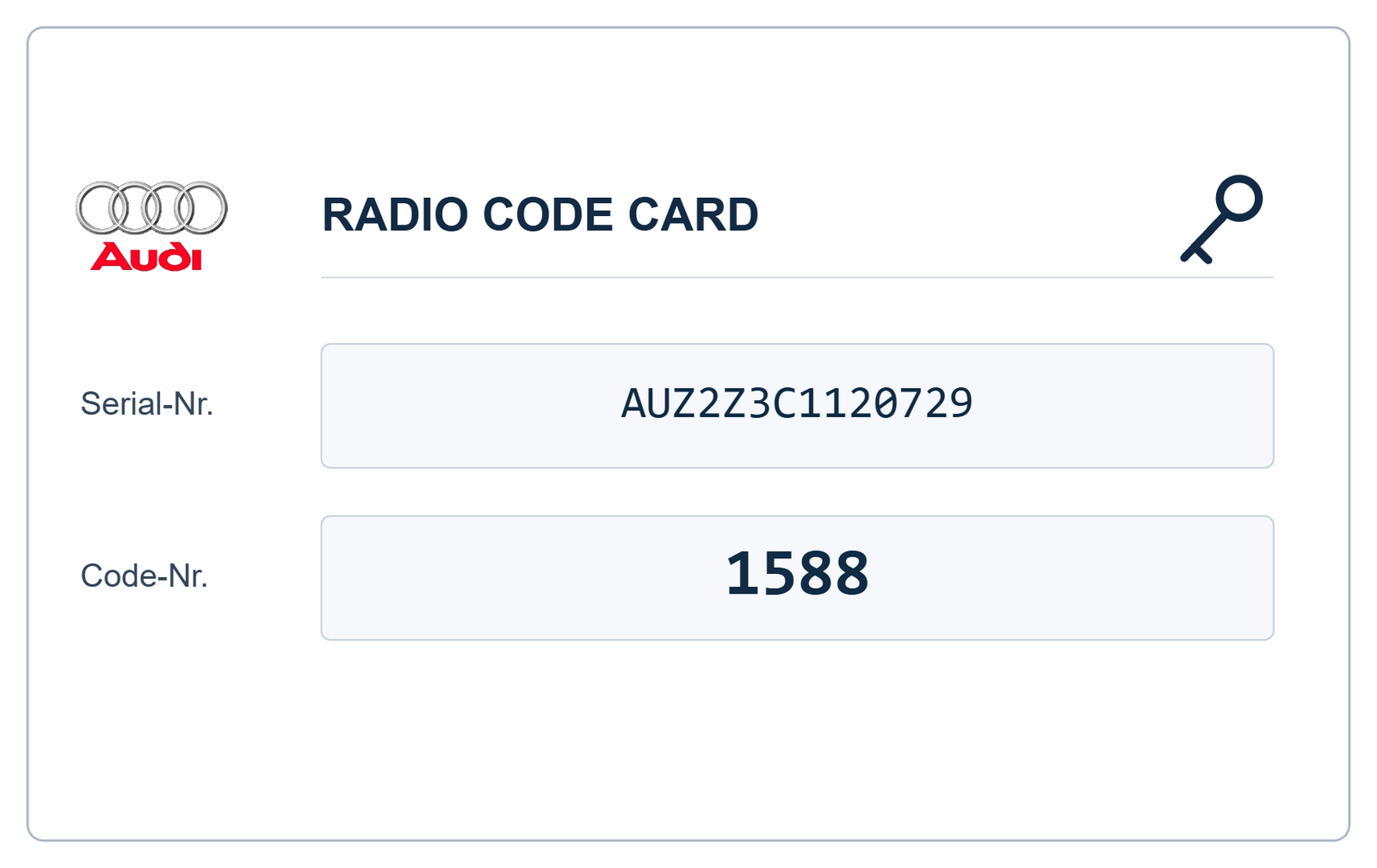
VW RCD 310 Radio Code – How to Find and Unlock Your Volkswagen Radio
Has your Volkswagen RCD 310 radio stopped working and displayed the message SAFE? This usually means that the radio's anti-theft protection has been activated and the correct security code is required to restore normal operation.
Whether you have disconnected the car battery, replaced the radio or purchased a used RCD 310 unit, this guide explains how to identify your radio, find its serial number and recover the correct VW RCD 310 radio code.
You can request assistance using your radio's serial number through our Volkswagen radio code service.
What Is the Volkswagen RCD 310 Radio?
The Volkswagen RCD 310 is a factory-fitted car radio designed for several Volkswagen models. It features a CD player, radio tuner, straightforward button controls and a compact display.
The RCD 310 was fitted to various Volkswagen vehicles, depending on the model year, equipment level and market. It can commonly be found in vehicles such as:
- Volkswagen Golf
- Volkswagen Polo
- Volkswagen Passat
- Volkswagen Tiguan
- Volkswagen Touran
- Volkswagen Caddy
- Volkswagen Scirocco
- Volkswagen Transporter
Always check the model name printed on the front panel. The RCD 310 can look similar to other Volkswagen radios, including the RCD 300 and RCD 510.
Why Does Your VW RCD 310 Display SAFE?
The RCD 310 has an electronic anti-theft protection system. When the radio detects certain situations, it may request its security code before allowing normal operation.
Common situations include:
- The vehicle battery has been disconnected.
- The radio has been removed and reinstalled.
- A replacement or second-hand radio has been fitted.
- The radio has been installed in a different vehicle.
- The anti-theft protection has been activated after incorrect code entries.
Do not enter random four-digit combinations. Incorrect attempts can cause the radio to lock temporarily and make the recovery process longer.
How to Find Your VW RCD 310 Serial Number
The radio serial number is one of the most important details needed when requesting a Volkswagen RCD 310 radio code.
On most RCD 310 units, the serial number is printed on a manufacturer label attached to the metal housing. It may also be stamped onto the radio casing.
Step 1: Remove the Radio Carefully
In many vehicles, the radio must be removed from the dashboard to access its identification label. The removal procedure depends on the vehicle model and dashboard design.
Use the correct radio removal tools and follow the vehicle manufacturer's instructions. If you are not experienced with dashboard removal, ask a qualified technician to help.
Step 2: Locate the Identification Label
Check the top, side or rear of the radio housing for the manufacturer's identification sticker.
Look for a serial number beginning with the characters VWZ. The exact label layout can vary depending on the radio manufacturer.
Step 3: Identify the Correct Number
Do not confuse the radio serial number with the part number. The part number identifies the radio model or component, while the serial number identifies the individual radio unit.
Take a clear photograph of the complete identification label. Make sure every character is readable, especially similar-looking characters such as 0 and O or 1 and I.
Example of an RCD 310 Serial Number
The following is an illustrative example only, not a real customer radio serial number:
VWZ1Z2A1234567
Use the actual serial number printed on your radio label when requesting a code.
How to Get a VW RCD 310 Radio Code
Once you have identified your radio and located its serial number, the next step is to obtain the correct anti-theft code.
Volkswagen service information describes retrieving the anti-theft code through an authorised vehicle diagnostic system. Depending on the radio, vehicle and service access available, the serial number and vehicle information may be needed for the code inquiry.
A code should be checked against the correct radio unit. A random four-digit PIN or a code belonging to another radio will not unlock your RCD 310.
Request Your RCD 310 Code Online
If you need help recovering your Volkswagen radio code, visit our service page:
VW Radio Code Recovery Service
Provide the correct radio information and follow the instructions shown on the service page.
How to Enter the Code into a VW RCD 310
After obtaining the correct security code, you can enter it into the radio using its front-panel controls.
- Switch on the vehicle ignition and the RCD 310 radio.
- If the display shows SAFE, wait for the code-entry screen to appear.
- When the display shows 1000, use the radio's numbered function buttons to set the four digits of your security code.
- Check that all four digits match the code you received.
- Confirm the code using the radio's OK control, following the instructions for your particular unit.
If the code is correct and accepted, the radio should return to normal operation.
Button layouts and confirmation procedures can vary between radio versions. If your display or controls do not match these instructions, check the correct operating manual for your unit before proceeding.
What Happens If You Enter the Wrong RCD 310 Code?
If an incorrect anti-theft code is entered, the radio may allow another attempt. However, repeated incorrect entries can activate a temporary security lock.
Volkswagen RCD 310 service procedures describe a one-hour lockout after two incorrect code entries. During this period, the radio and ignition must remain switched on before another code-entry attempt can be made.
Before making another attempt, verify the serial number and make sure you have the correct security code for your exact radio.
Can I Use a Radio Code from Another Volkswagen?
No. You should not assume that a radio code from another Volkswagen vehicle will work with your RCD 310.
The security code must correspond to the specific radio unit. Even if two radios have the same model name and look identical, they can have different serial numbers and different security codes.
This is particularly important when buying a used RCD 310 radio or replacing a factory-fitted unit.
Frequently Asked Questions – VW RCD 310 Radio Code
Where can I find the VW RCD 310 radio code?
Check the original vehicle documentation or radio card if it was supplied with the vehicle. If the code is unavailable, it may be possible to retrieve it through an authorised diagnostic or radio code service.
Does the RCD 310 serial number start with VWZ?
Many Volkswagen RCD 310 radio serial numbers begin with VWZ. Check the identification label carefully and provide the complete serial number in the format requested by your code service.
Do I need to remove the RCD 310 to find its serial number?
In many cases, yes. The serial number is printed on a label attached to the radio housing, so the unit may need to be removed from the dashboard to read it.
Will disconnecting the battery always require a radio code?
Not necessarily. The behaviour depends on the vehicle and radio configuration. If the original radio remains correctly adapted to the vehicle, it may not request manual code entry after every battery disconnection.
Can I unlock a used RCD 310 radio?
A used RCD 310 may be usable, but its anti-theft protection and compatibility with the vehicle must be considered. A replacement unit may require the correct security code and, depending on the vehicle, additional diagnostic adaptation.
What should I do if my RCD 310 says SAFE?
Confirm that the radio is an RCD 310, locate its serial number and obtain the correct security code. Avoid entering random PIN combinations.
Get Help with Your Volkswagen RCD 310 Radio Code
If your Volkswagen RCD 310 displays SAFE and you cannot find the original security code, the first step is to identify the radio correctly.
Check the serial number on the radio housing and use the information to request assistance through our Volkswagen radio code service.
Visit VWCODES.CO.UK to Request Your Radio Code
Getting the correct code for your radio is essential to restoring its normal operation without unnecessary guessing or repeated incorrect attempts.
Haben Sie Ihre Seriennummer bereit?
Rufen Sie Ihren Werks-Freischaltcode in weniger als 15 Minuten ab. 100% Geld-zurück-Garantie, falls der Code nicht funktioniert.