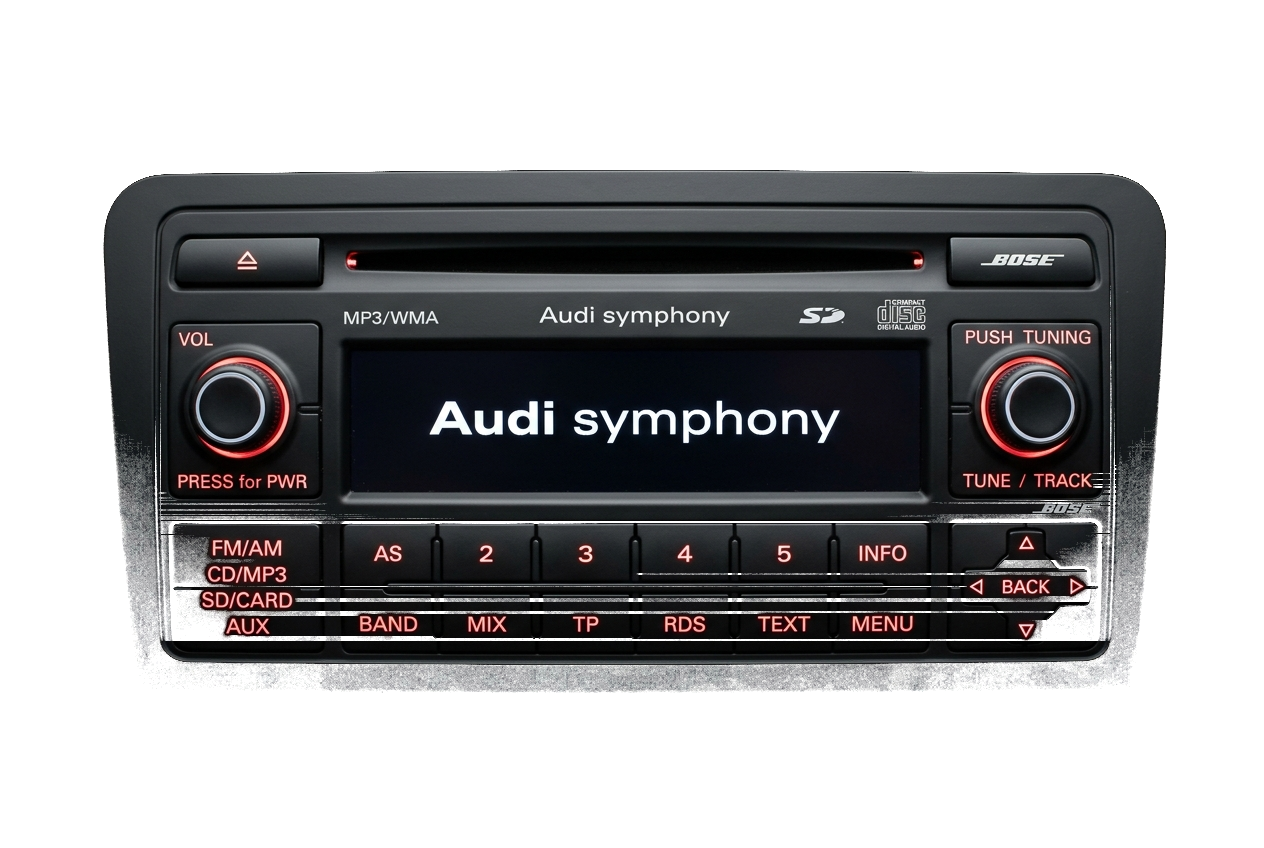
Once you have received your official 4-digit code (e.g. 0724), entering it properly is straightforward. Depending on whether your radio uses physical preset buttons or a touchscreen, follow the corresponding method below.
Method A: Physical Preset Buttons (RCD 200, 300, 310, Gamma, Beta)
These units use preset buttons 1, 2, 3, and 4 to increment each corresponding digit:
- Press button 1 repeatedly until the first digit of your code appears. (For digit "0", press until 0 is shown).
- Press button 2 repeatedly until the second digit matches your code.
- Press button 3 repeatedly until the third digit matches your code.
- Press button 4 repeatedly until the fourth digit matches your code.
- Verify the 4-digit number on screen matches your code exactly.
- Press and hold the Seek Right (>) button or the Control Knob for 2 to 3 seconds until you hear a confirmation beep and audio begins playing!
Method B: Touchscreen Units (RCD 510, RNS 315, RNS 510)
On modern touchscreen units:
- A virtual numerical keyboard (0 to 9) will appear on screen when "Enter PIN" is active.
- Tap the 4 digits directly on the screen.
- Press the on-screen "OK" or "Enter" button.
- The radio will validate the PIN and resume normal operation immediately.
¿Tiene listo su número de serie?
Recupere su PIN oficial de fábrica en menos de 15 minutos. Garantía de devolución del 100% si el código no funciona.